Free and open source. No account needed.
The space between you stays yours.
Video calls that go straight from your browser to theirs, encrypted so no company can watch or listen. Nothing kept. Effects, captions and noise reduction are worked out on your own device.
You'll check your camera and microphone first. Nobody sees or hears you until you join.
Encrypted, browser to browser. Nothing in between.
Everything a call needs, worked out on your device.
Blur, captions, noise reduction and who gets in. The parts other apps send to their cloud happen right in your browser.
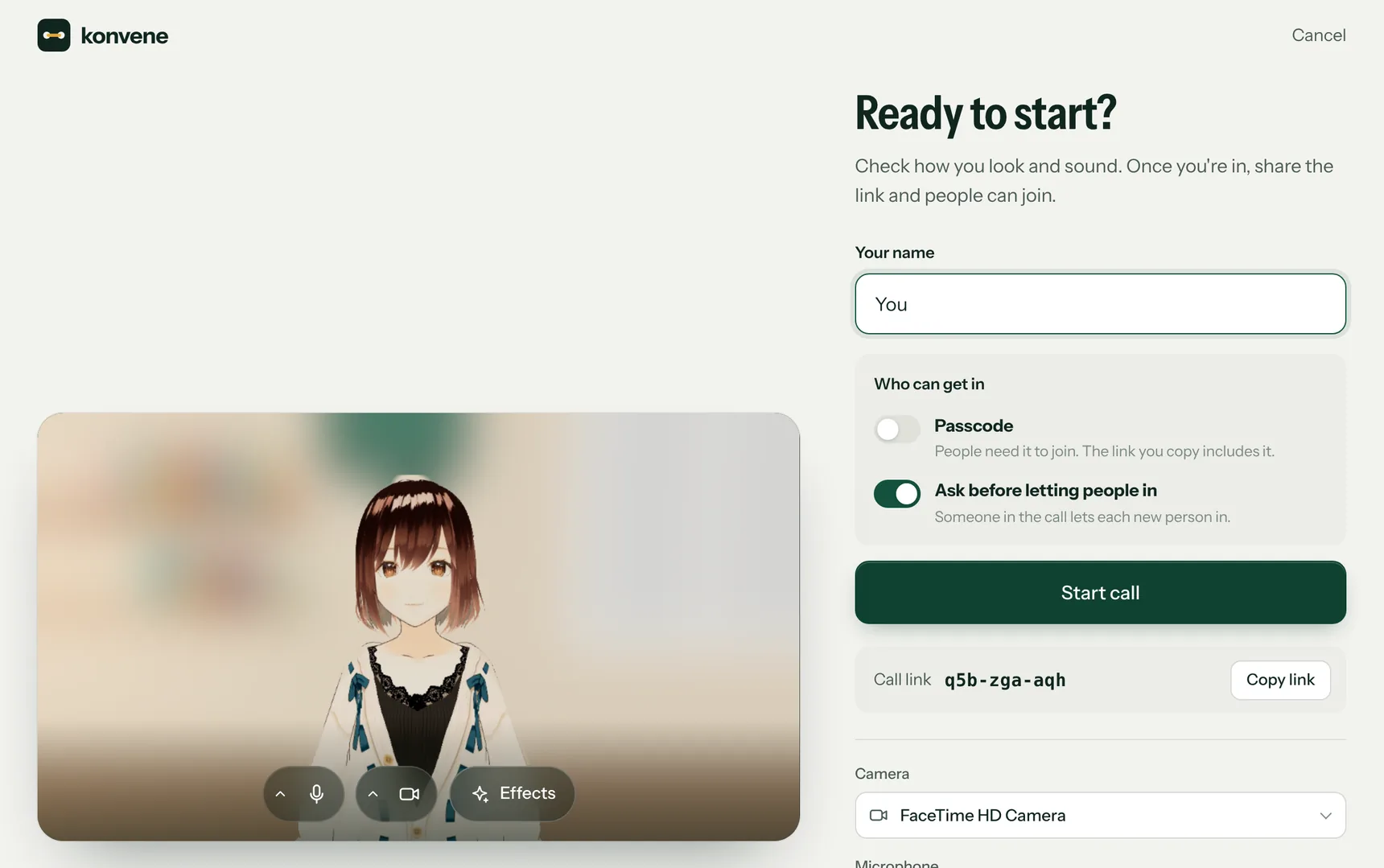
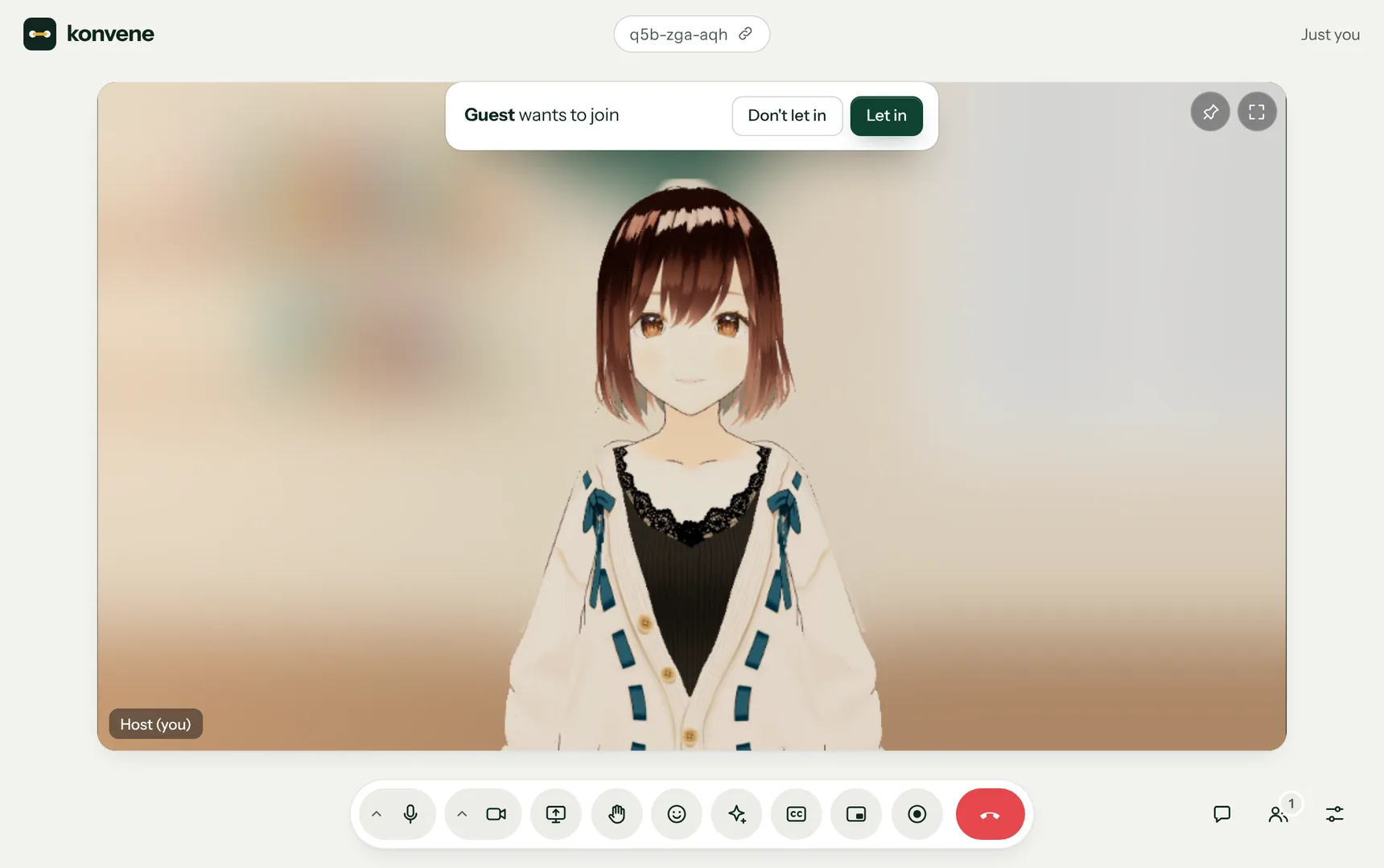
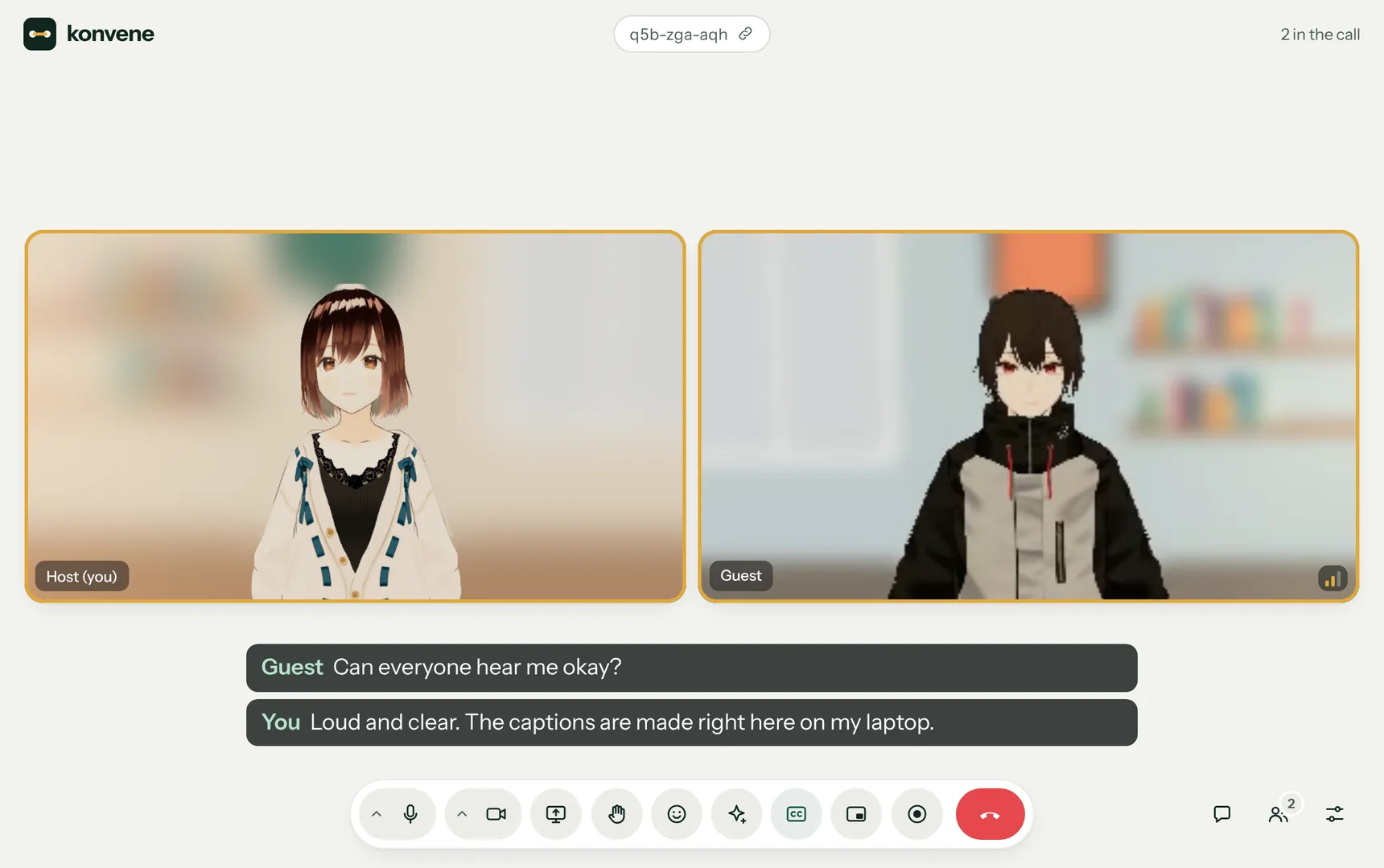
Real Konvene screens. The two people are 3D sample characters from VRoid standing in for cameras.
Only the people in your call can see or hear it.
Most video apps send your call through their servers, where it can be decoded. Konvene connects browsers directly and encrypts everything between them. A few services help the call start, and on some networks one passes it along, but none of them can see or hear it.
- Straight to them
- Video, voice, screens and chat travel directly between your browsers, encrypted the whole way. On a few strict networks they pass through a relay that can't see or hear them.
- Nothing kept
- No server records your call or your messages. Recordings stay on the device that made them.
- No account
- No email, phone number or password. Type a name and start talking.
- No tracking
- No cookies, no analytics, no ads. Nothing about you is collected, so nothing can be sold.
- Your face stays home
- Blur, lighting and touch-up are worked out on your own device. Your camera is never uploaded.
- Recording is never secret
- Recording asks first and shows everyone the name of the person recording.
Who else helps, and what they can see
- This website
- Sends your browser the Konvene app from Cloudflare's network. It sees which call link was opened, never the call itself.
- Connection helpers
- Public Nostr relays pass along a scrambled handshake, and STUN servers from Google and Cloudflare tell your browser its own address. They see your IP address, not your call.
- A relay, on some networks
- Strict offices, hotels and some mobile networks block direct calls. There, the call passes through a relay run by Cloudflare, still encrypted. It can't see or hear it.
As on any video call, the people you talk to can see your IP address too. Read the privacy details, with exactly what each service handles.
Made for real calls.
Pick a feature to see it.
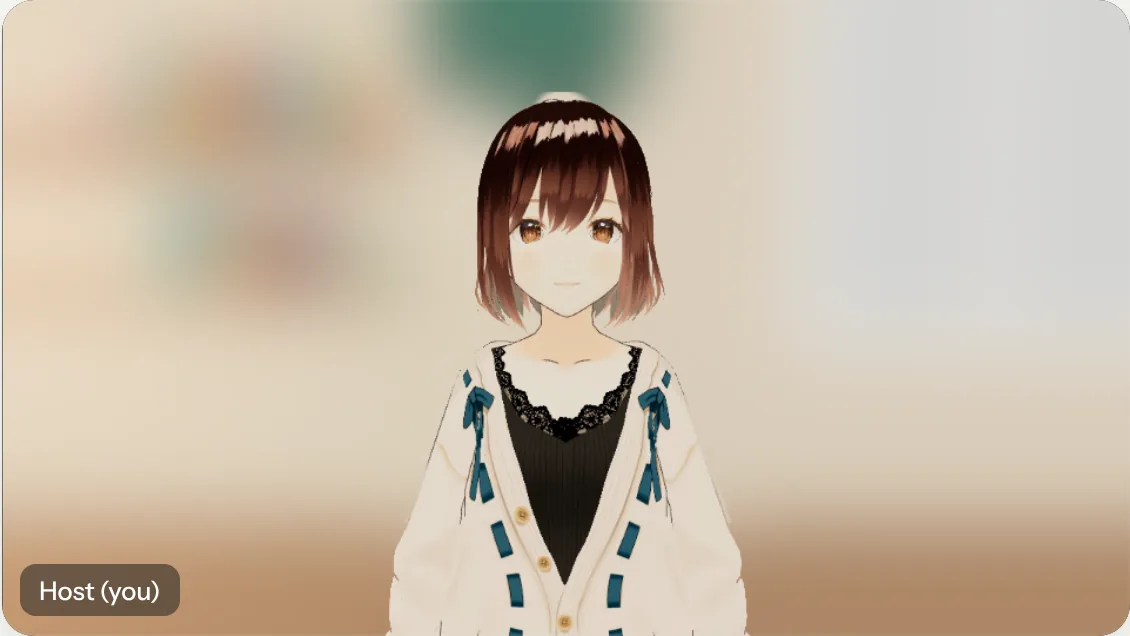
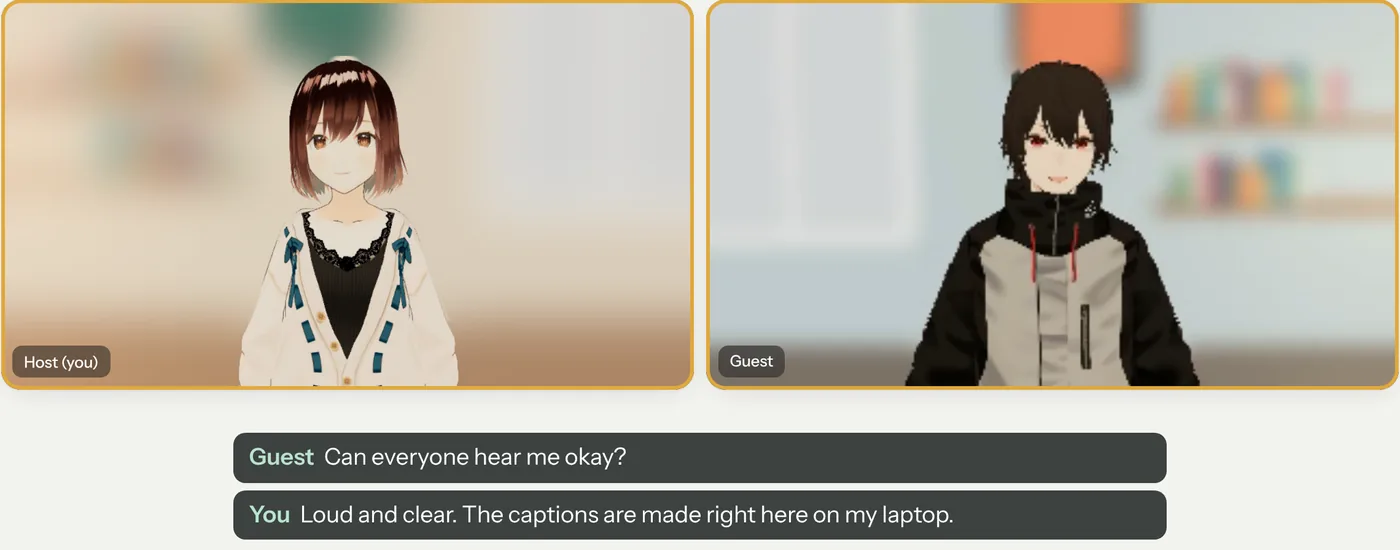
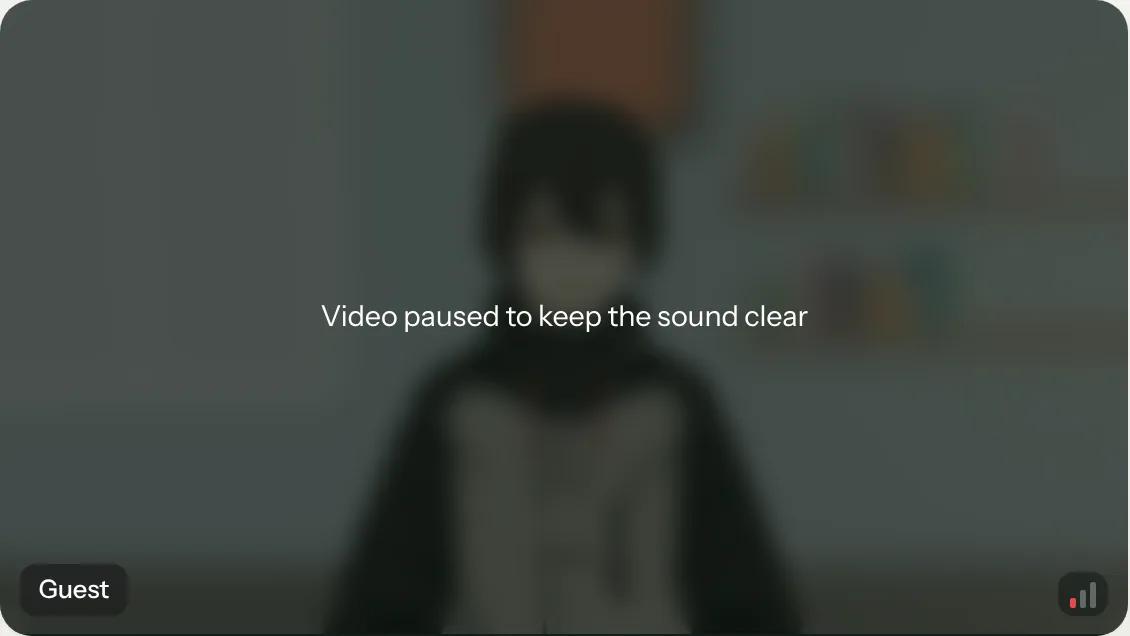
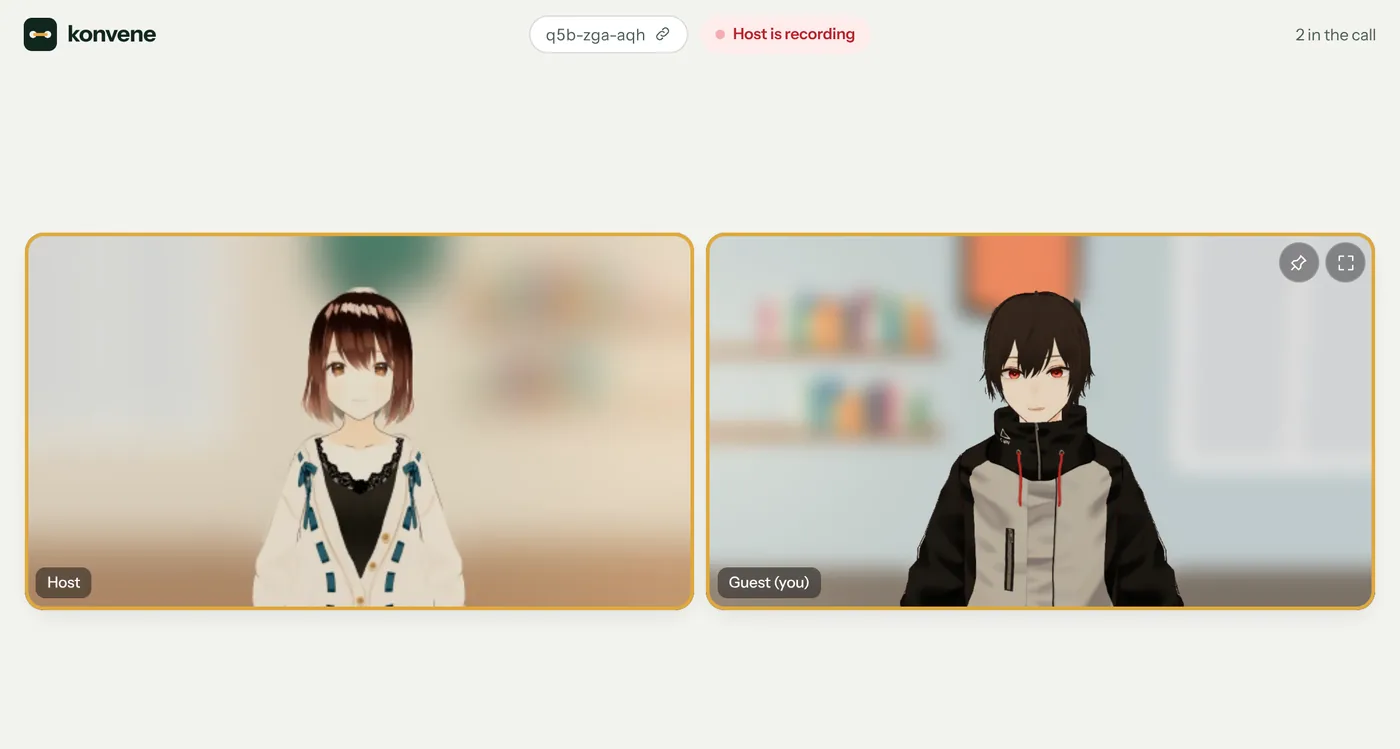
Also in every call: screen sharing, chat, reactions, raise hand, picture in picture, pin and full screen, and device choice. Up to six people.
Open source, every line.
You don't have to take the privacy claims on trust. Read the code, or run Konvene on your own domain in a few minutes.
$ git clone https://github.com/rakeshmenon/konvene
$ cd konvene && npm install
$ npm run dev
Konvene is running at http://localhost:8790- Read every line
- The code that keeps calls private is public, including what runs in your browser.
- Deploy in minutes
- One click to Netlify or Vercel, or put the built folder on any web host.
- Stays open
- AGPL licensed. Anyone who runs a changed version for others shares their code too.
You're on the public demo, run by the author. It's the same code you can deploy yourself.
Questions
Is Konvene really free?
Yes. There's no paid plan and no ads. Calls go straight between browsers, so they cost almost nothing to run.
Can anyone else see or hear my call?
Only the people in it. Video, voice, screens and chat go directly between your browsers, encrypted. On some strict networks the call is passed through a relay, still encrypted, and the relay can't see or hear it.
Are any servers involved?
Yes, but none of them carry your call in a form they can read. This website sends you the app, public relays help browsers find each other, and on some strict networks a relay passes the call along, still encrypted. The privacy page lists each one and what it can see.
Do I need an account or an app?
No. Open the link, type a name and join. Konvene works in Chrome, Edge, Safari and Firefox, on computers and phones.
How many people can join?
Up to six. Each browser sends its video to each other person, which keeps the call private and limits its size.
What do people in the call learn about me?
The name you type, and, as on any video call, your IP address.
Can I run my own copy?
Yes. Konvene is open source under the AGPL. Deploy it to Netlify or Vercel with one click, or put it on any web host. How to run your own
Start a private call.
Free, with nothing to install. Send the link and you're talking.
Ready to join?
Check how you look and sound. Only you can see this until you join.
Someone in the call will let you in.
konvene